

Portals
Four ways people enter Church CRM
Church CRM keeps a church staff portal and a church member portal apart, then adds public giving and check-in kiosks for people who should never see the admin menu.

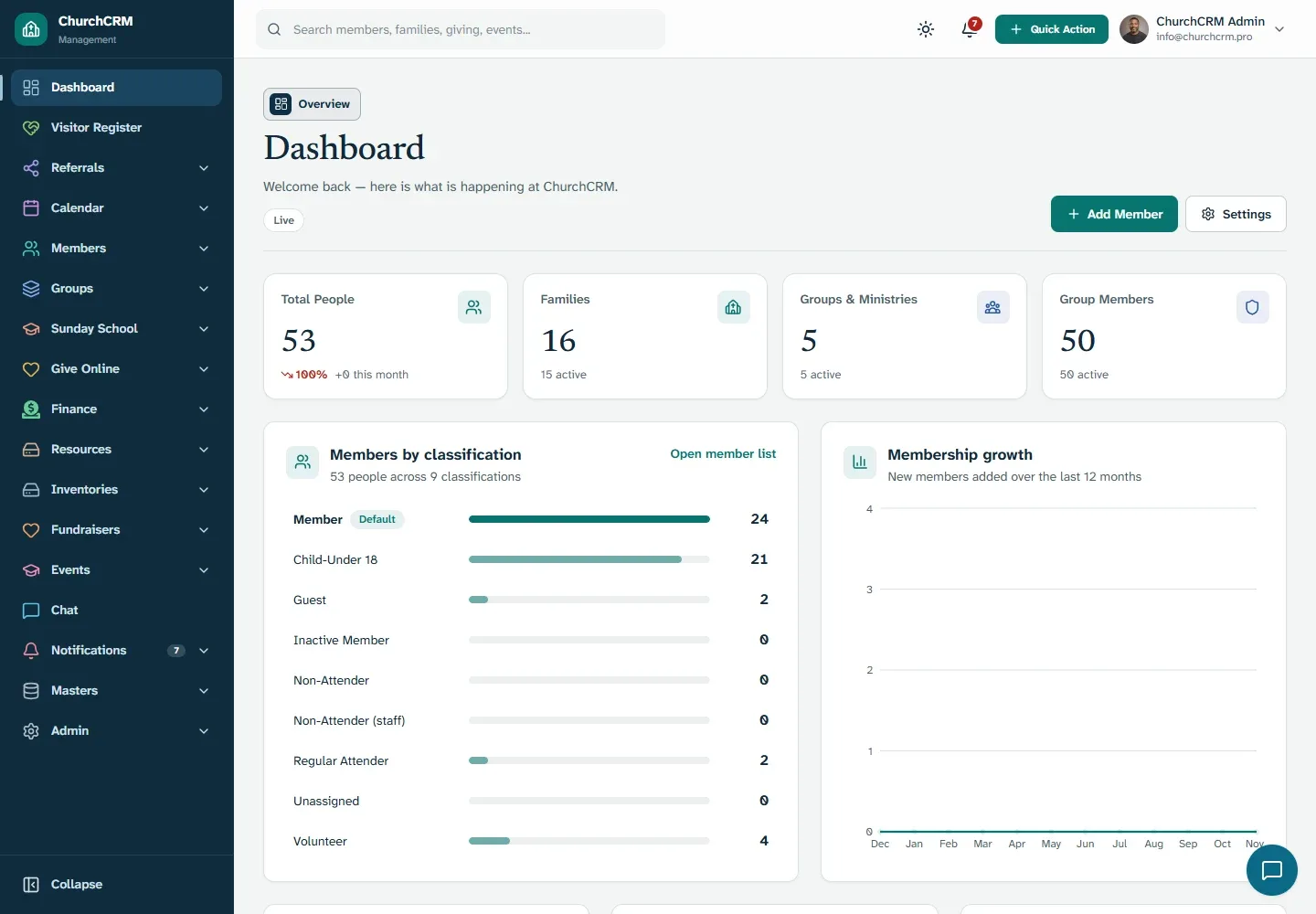
Admin portal
Pastors, office staff, finance teams, and ministry leaders sign in to a permission-filtered workspace. The sidebar covers the dashboard, visitors, referrals, calendar, members, groups, Sunday School, giving, finance, resources, inventory, fundraisers, events, chat, and notifications.
- Global search across core records
- Quick actions for the tasks you repeat
- Unread badges for chat and notifications
- Church information, users, roles, email, and Stripe settings
Member portal
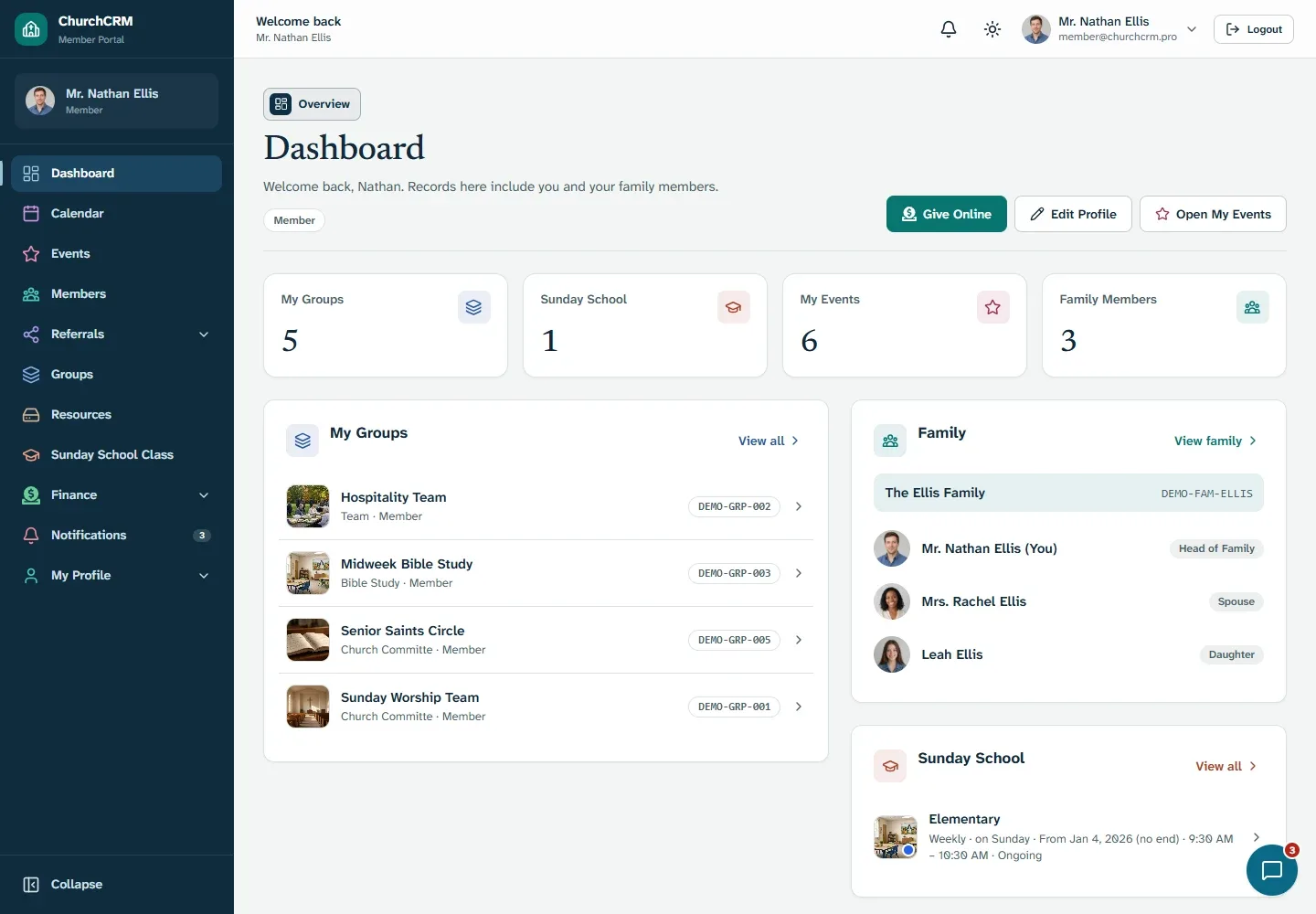
Congregation members and household heads get a calmer home: their family, groups, classes, events, giving, resources, and messages. Signup, guest signup, email verification, and password reset are built in. The church member portal is also a church member self-service portal and a church family portal. Church online member registration and church member profile management can wait for staff approval before they change the directory.
- Personal dashboard
- Profile and photo, with approval when you require it
- My ID card and QR code
- Give Online and household finance history
Public giving
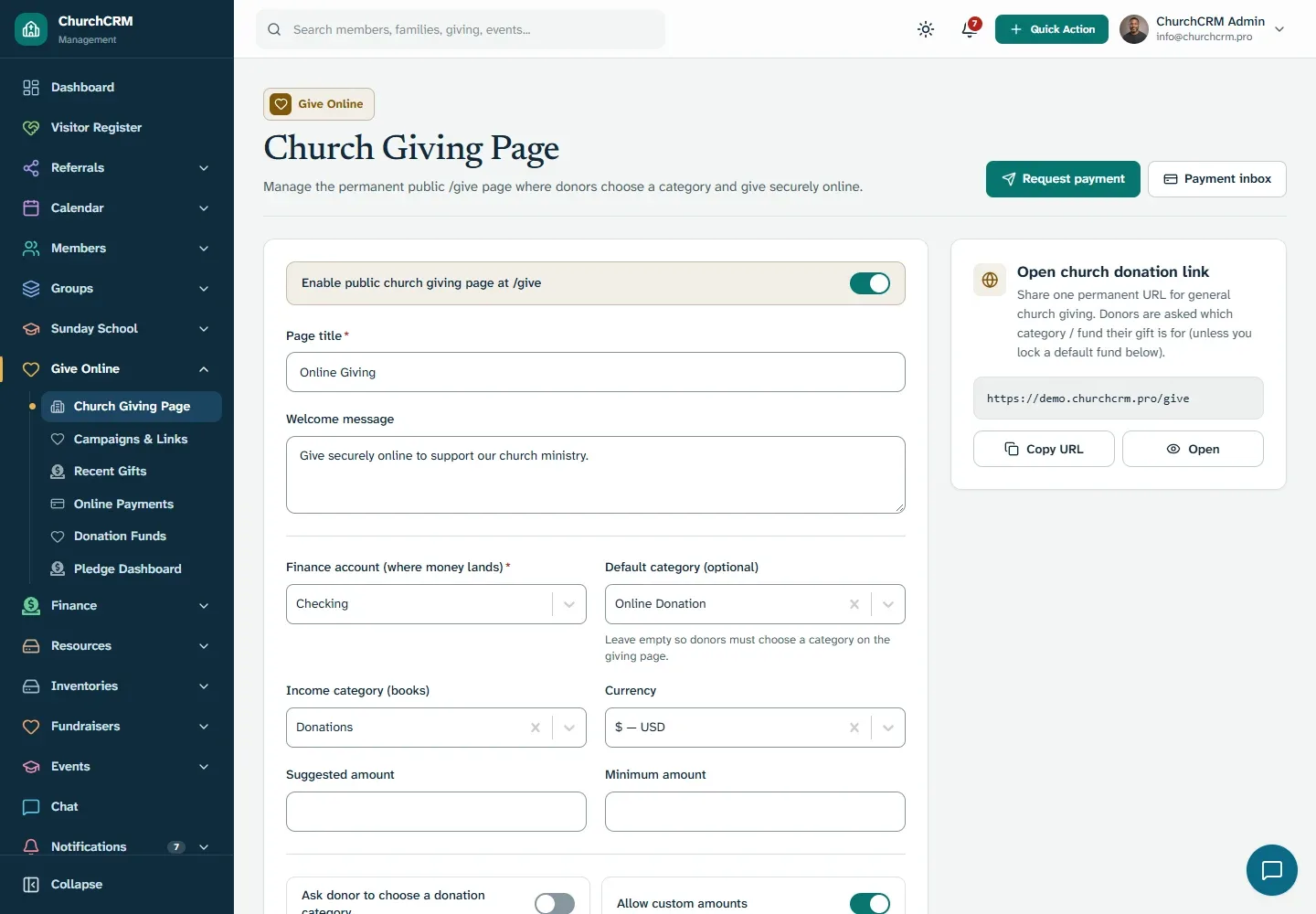
Anyone can give without an admin login. Share the church giving page or a campaign link with a goal. Stripe Checkout collects the gift, and the giver sees a success or cancel page.
- Church page and campaign links
- Fund designations and pledge rhythms
- Stripe in live or test mode
- A demo checkout for training when Stripe is off
Check-in kiosks
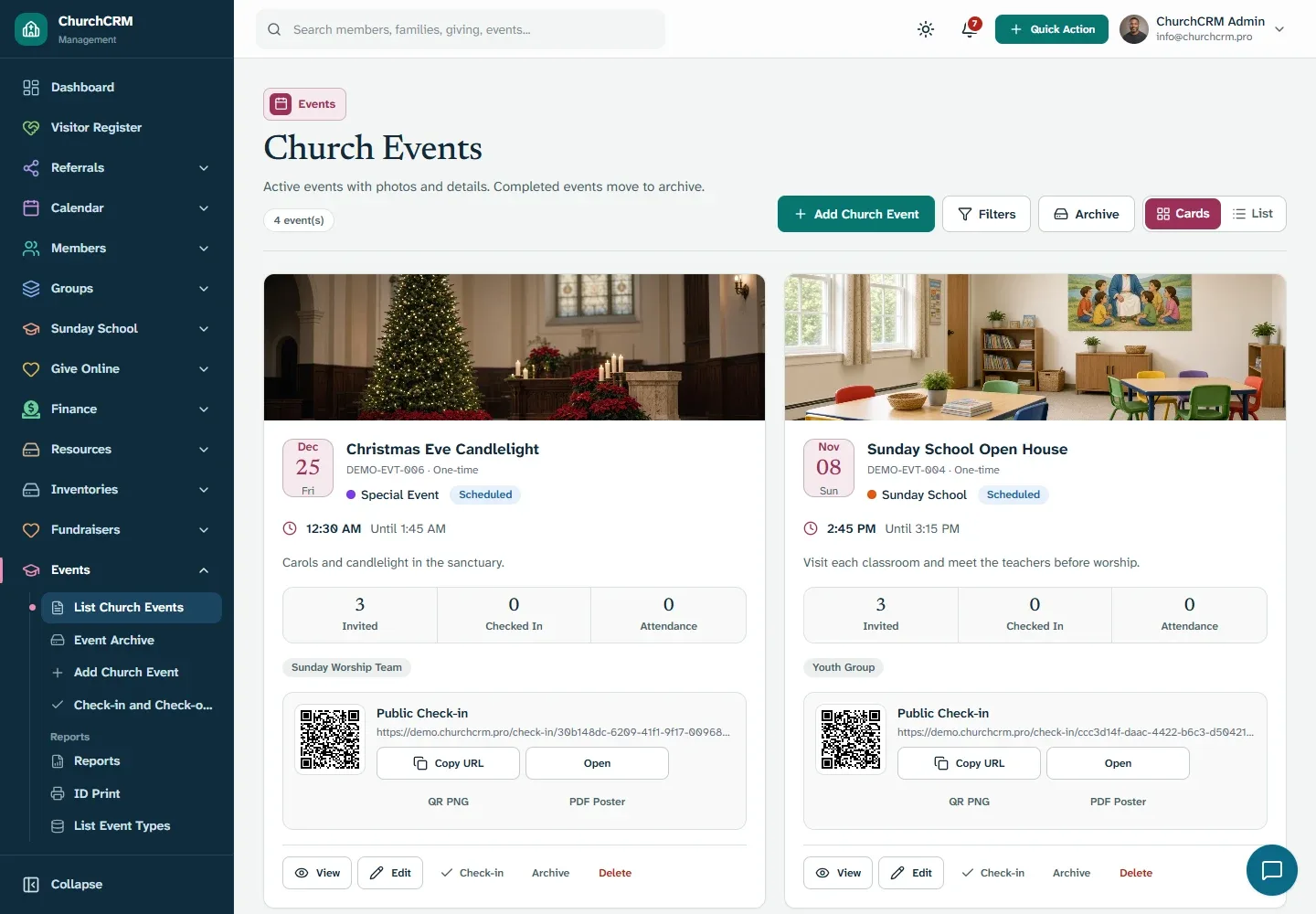
Greeters use a tablet without a staff password. Church check-in software at the door searches by phone, records guardians and children, and prints the idea of a badge code. Class check-in does the same for Sunday School from a class QR token.
- Event QR poster at the door
- Child check-in and check-out codes
- Currently-in list for the team at the desk
- Class QR for the Sunday School room
Open the door that matches the person
Staff, households, guests, and the check-in tablet each have a separate screen.
