Staff sign-in
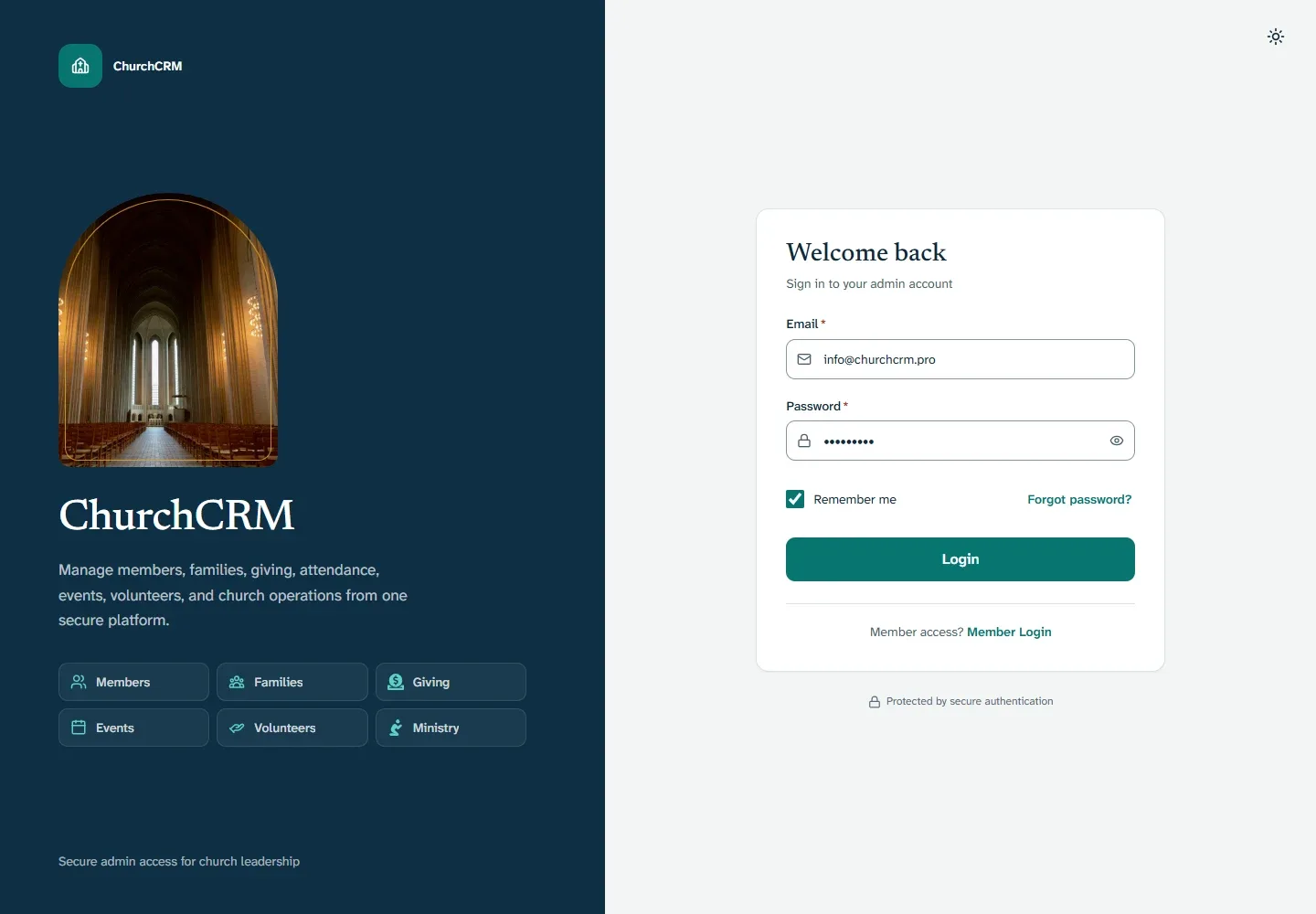
Admin and member sign-in are separate screens. A member password never opens the ledger, the role matrix, or another household’s giving.
Features
Church CRM is a church management platform with four entrances: a church staff portal, a church member portal, public giving, and check-in kiosks. The screenshots on this page are the screens staff and members use.

Sunday starts with class QR check-in and the event kiosk. Teachers mark attendance. Nursery badges carry a pickup code.
Through the week, a guest is followed up, a family is approved, a gift lands in finance, and a pastor can message a member. An urgent notice can appear until it is acknowledged.

Each picture is a real Church CRM screen, with the work that happens on it.
Admin and member sign-in are separate screens. A member password never opens the ledger, the role matrix, or another household’s giving.
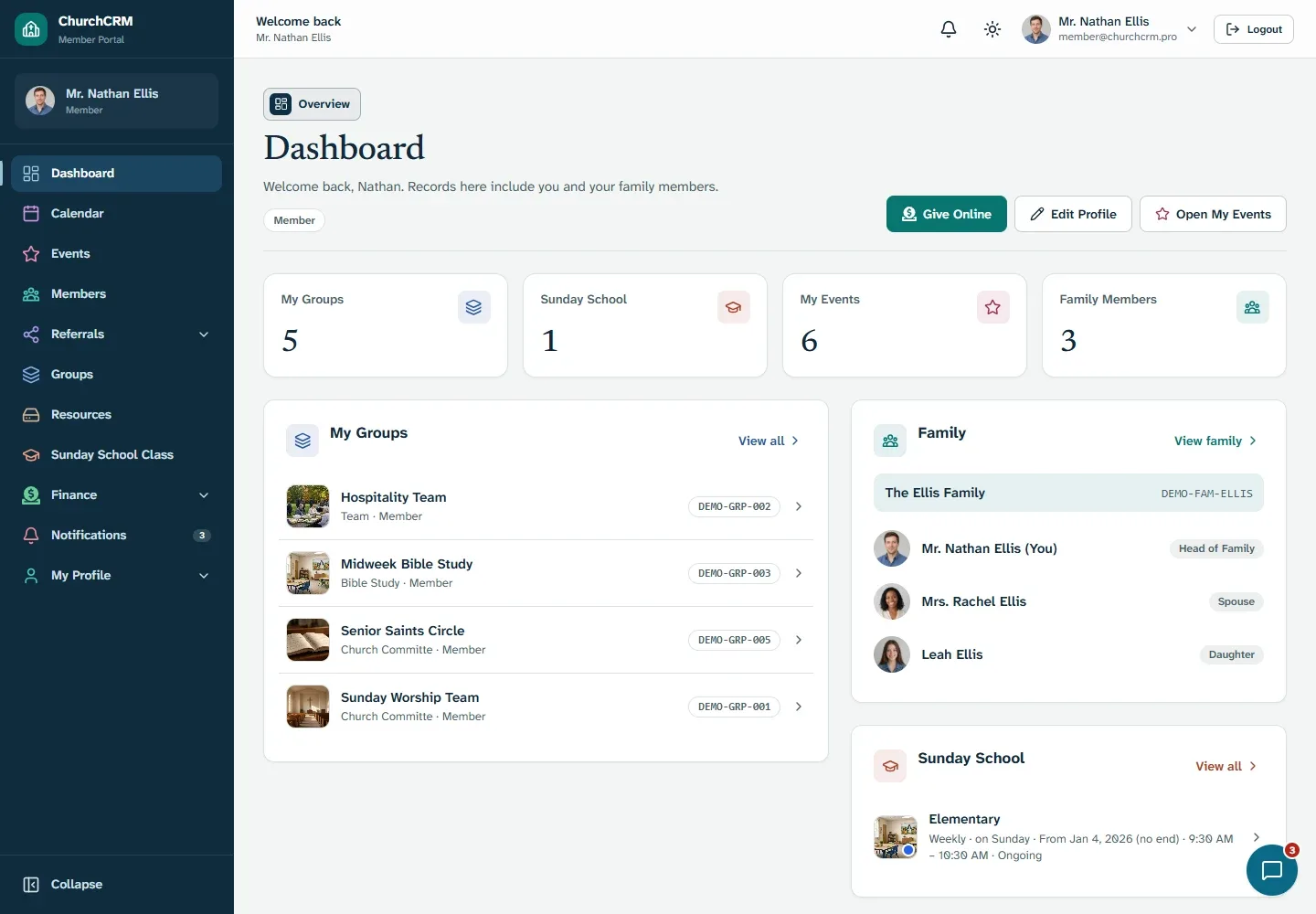
Households see their groups, classes, events, and their own giving without calling the office for a reprint. They do not see the staff menus.
Guests can give from the church giving page or a campaign link without an admin account. Stripe Checkout processes the card when Stripe is turned on. Church CRM stores the gift record, not the full card number.
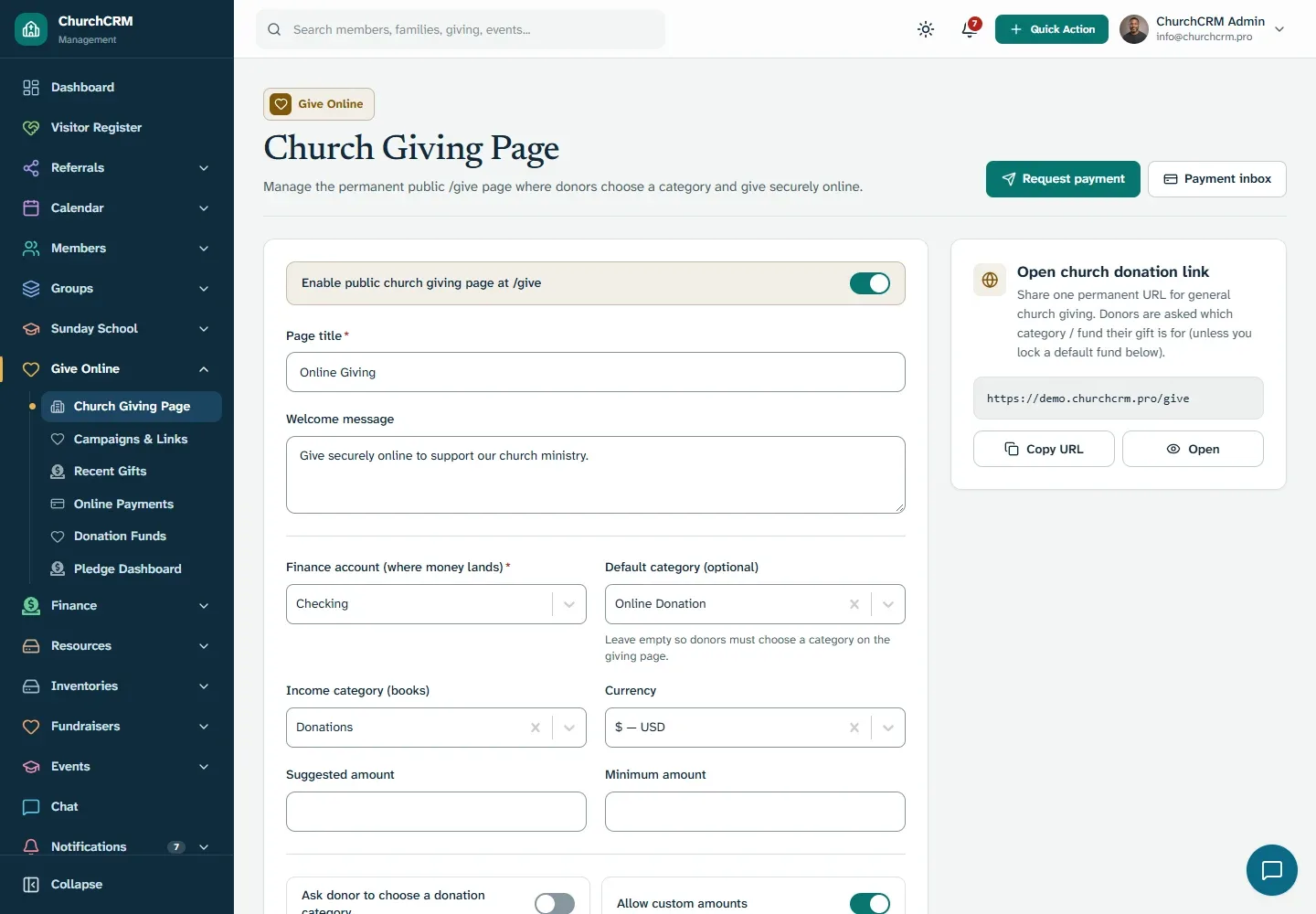
A visitor, a class check-in, and an online gift can be traced in the order your team would use them.