Contact us info@churchcrm.pro

Connection

Church communication software with chat, video, and alerts

Church communication software should reach the right people without another consumer app. Church CRM includes chat, one-to-one video, reminders, and emergency popups.

A woman on a sofa smiling at her phone

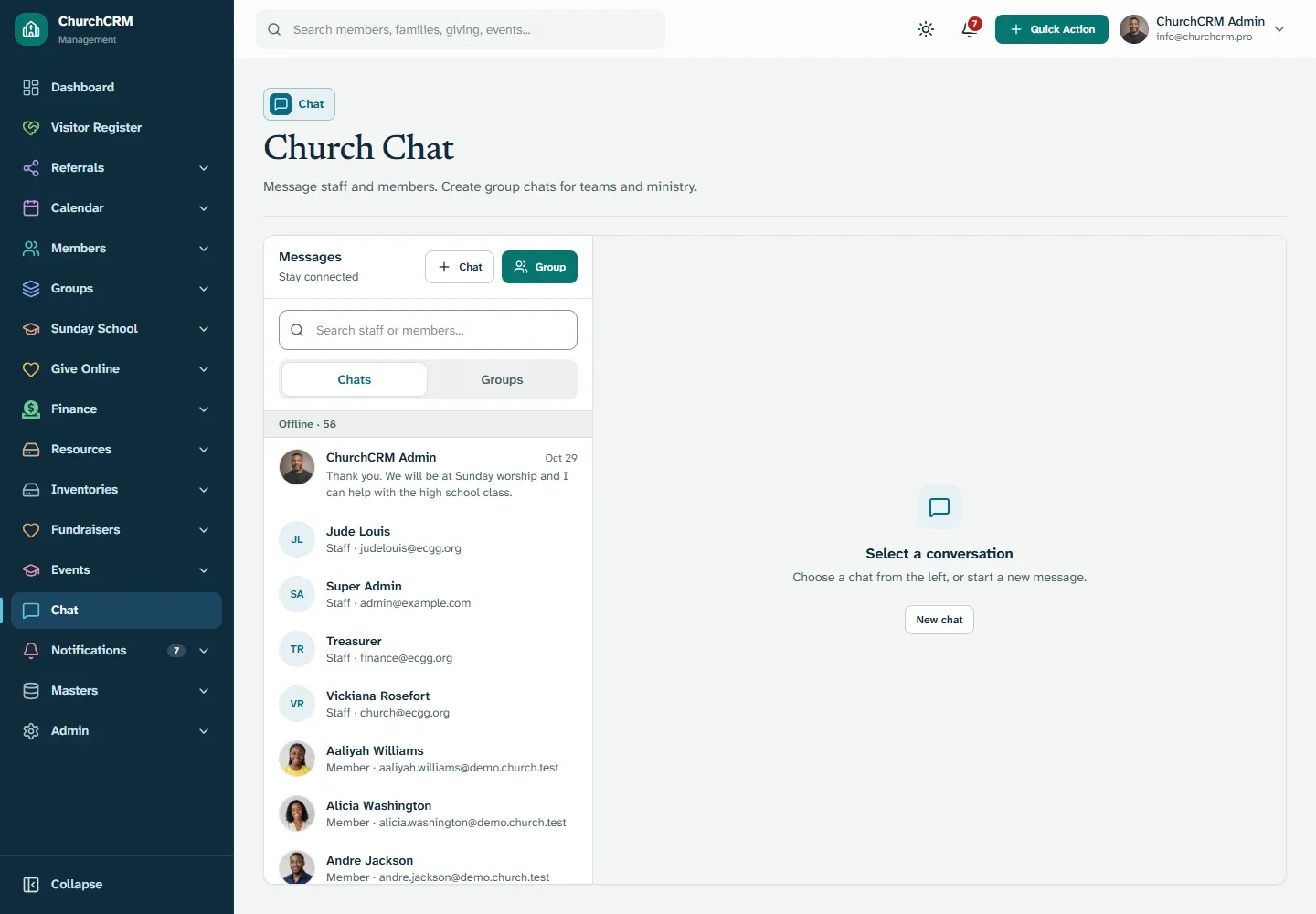
Direct conversations can run between staff, between a staff member and a member, or between members. Group chats have named participants an admin can manage. Unread badges and an online presence list keep the thread visible. Files can be attached in the conversation.

A one-to-one video call uses the browser camera and microphone after permission is granted. Mute, camera off, and end are on the call itself. Alongside chat, the notification feed gathers birthdays, anniversaries, events, pledges, deposits, and dated reminders. Emergency popups can require an acknowledgement so an urgent notice is actually seen.

Church communication software should not mean another consumer app. A church messaging app, church chat software, and church video calling cover the ordinary conversation, while a church notification system and church emergency alerts cover the message everyone must see. Church email templates and church email software send the branded note. Church group chat keeps a team together, and pastoral video calls stay next to the member record.

A church member messaging system and church internal chat software are the messages between staff and members. Church video calling software is the one-to-one call. The church notification system is the alert a leader sends from the same login.
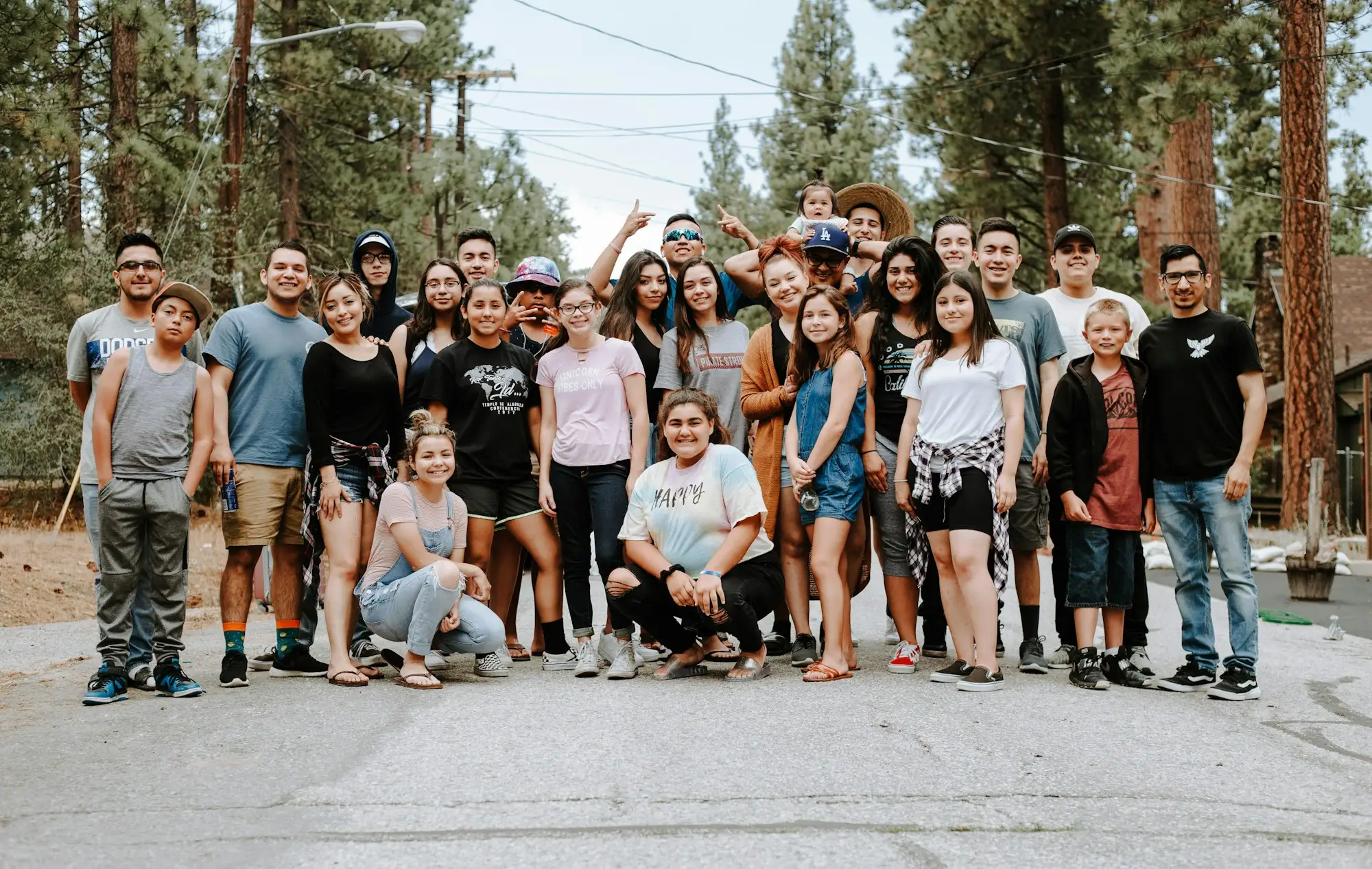
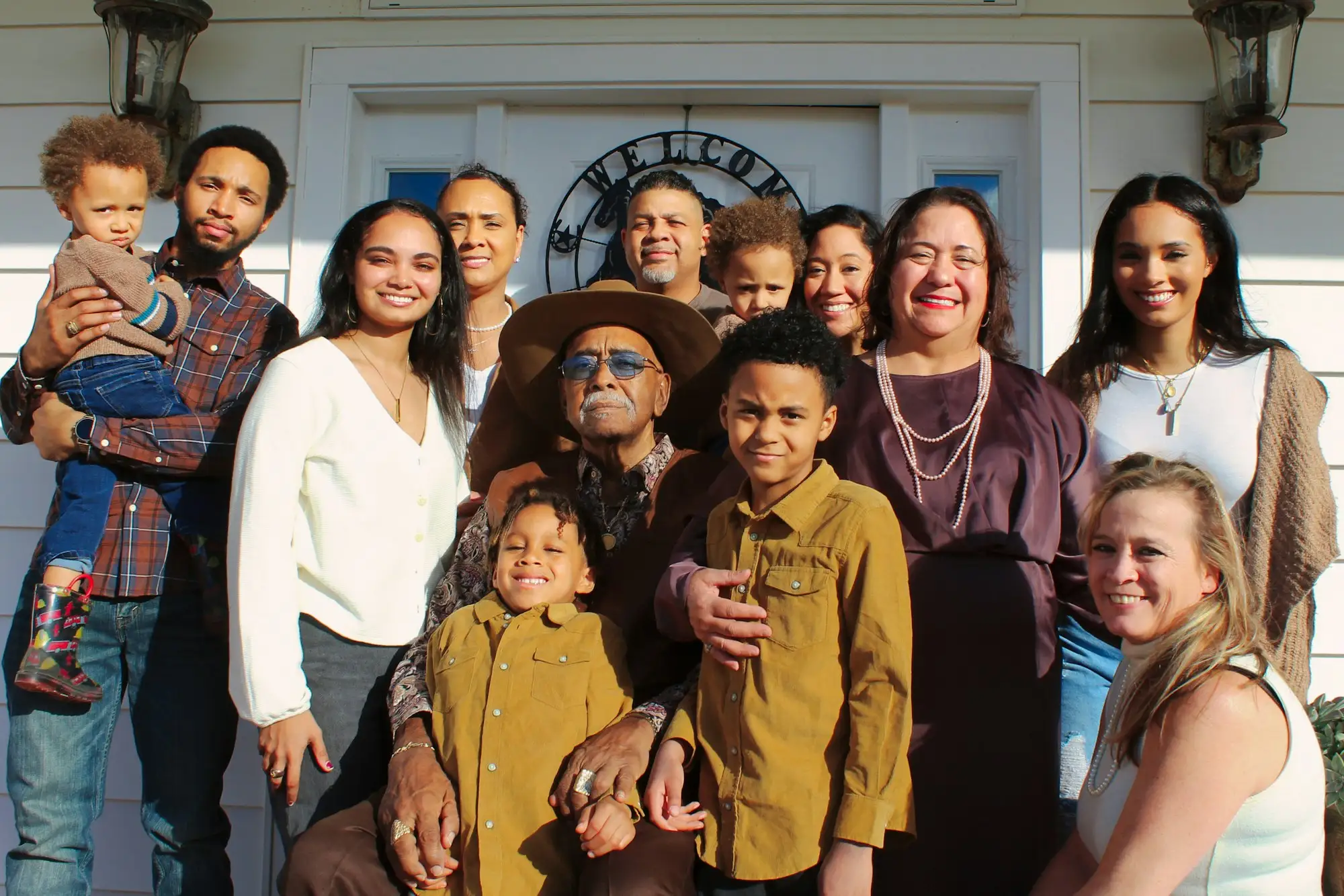
A large group of families, teens, and children gathered on a forest road

What your team can do

  • Direct chat

    Staff to staff, staff to member, and member to member.

  • Group chat

    Named rooms with managed participants.

  • Video

    One-to-one browser calls with mute and camera controls.

  • Reminders

    Birthdays, anniversaries, events, and finance dates in one feed.

  • Emergency popups

    Scheduled notices with severity, image, and acknowledgement.

  • Email

    SMTP settings and branded templates for the messages the system already sends.

Inside Chat & Alerts

Each screenshot is paired with the work your team does on that screen.

Staff chat

Church communication software includes direct messages and church group chat. A conversation can run staff to staff, staff to member, or member to member, with files attached in the thread. Church chat software and the church messaging app pattern stay inside the login your church already uses. Unread badges and an online presence list show which thread still needs a reply. Group chats have named participants an admin can manage.

Church CRM Admin portal screenshot: Staff chat
Staff chat

Video calls

Church video calling and pastoral video calls use the browser camera and microphone only after the person allows them. Mute, camera off, and end are on the call itself. The call is one-to-one. It sits beside the people record instead of a personal messaging app.

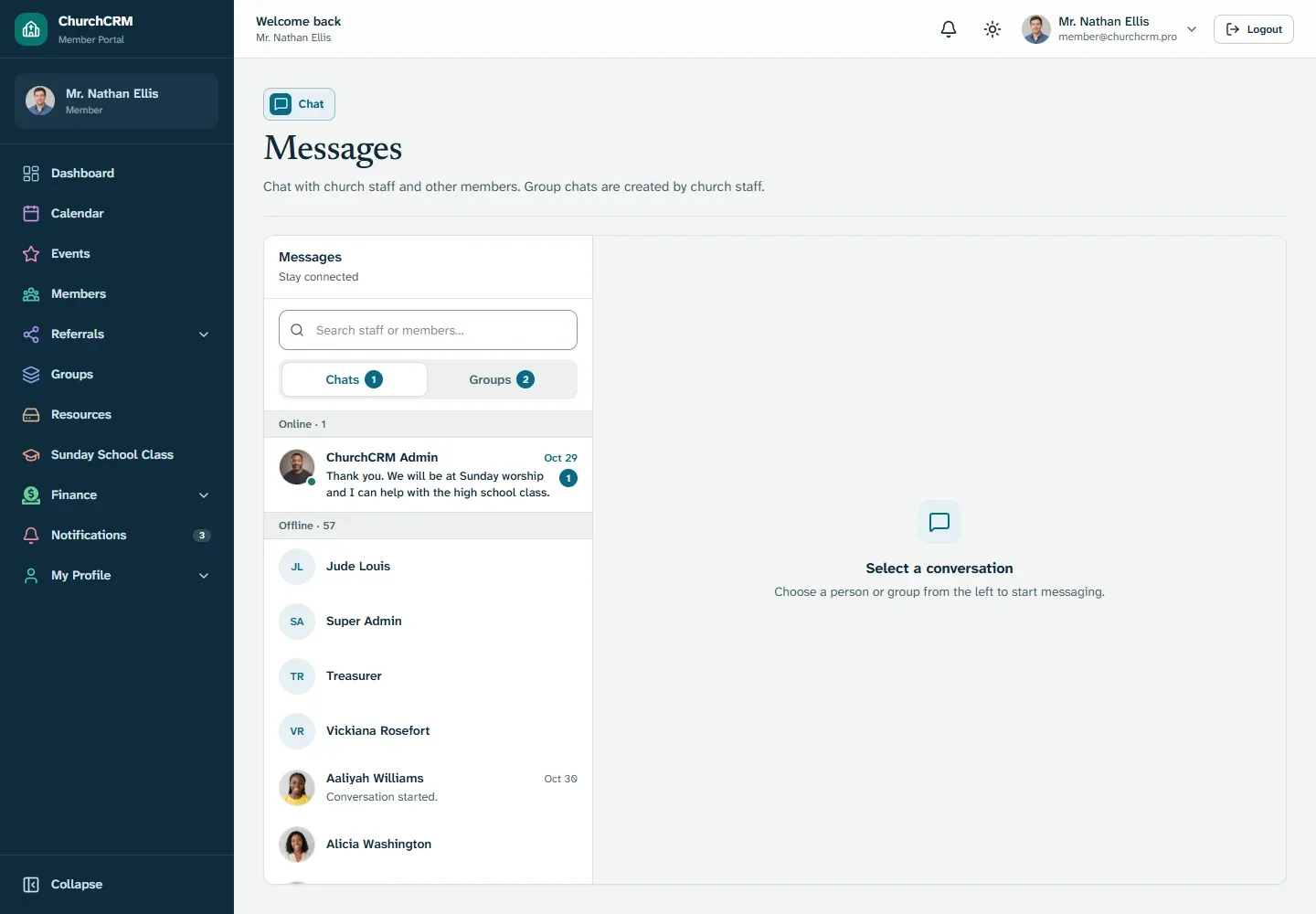
Church CRM Member portal screenshot: Member chat
Member chat

Alerts

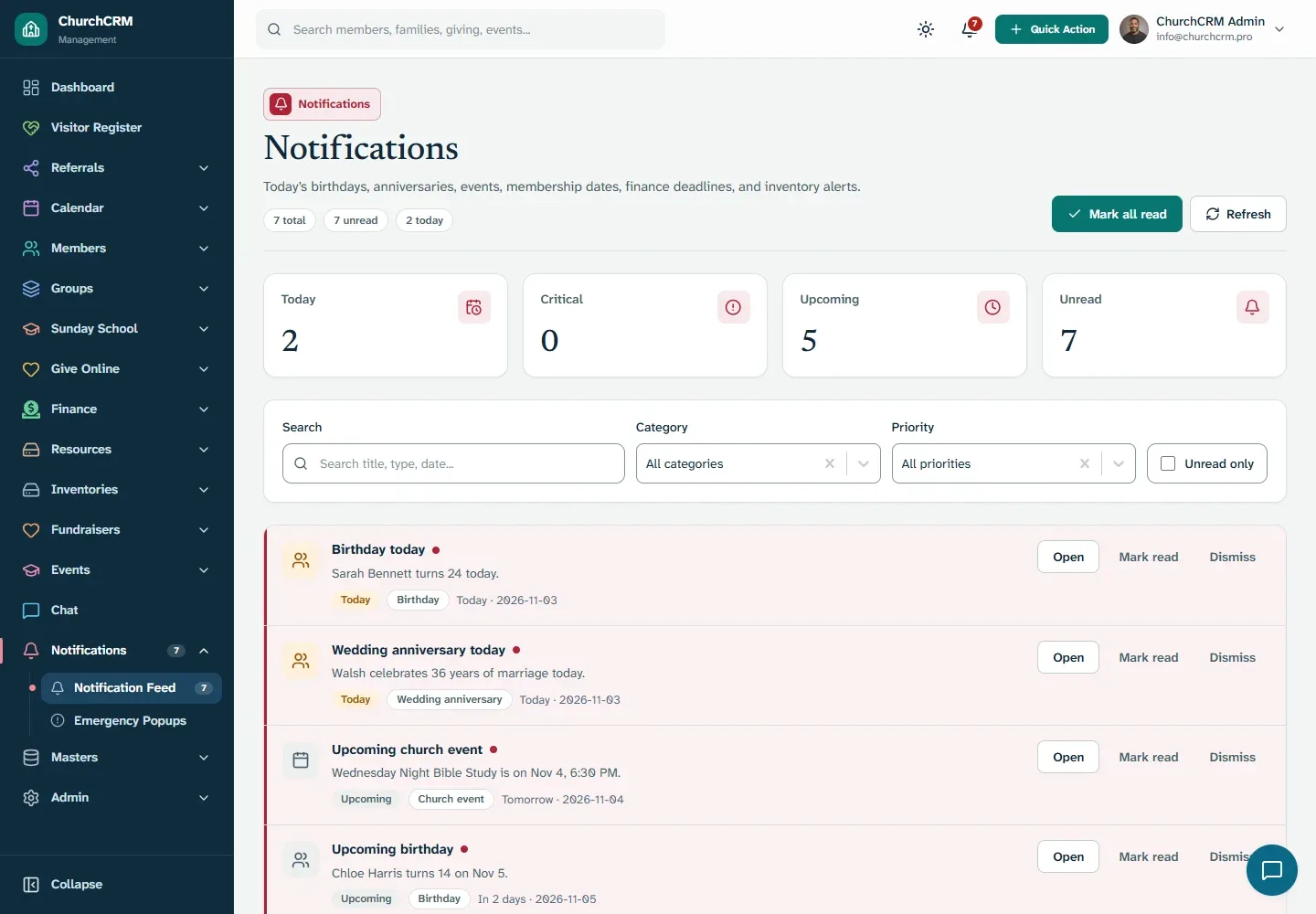
The church notification system gathers birthdays, anniversaries, events, pledges, deposits, and dated reminders in one feed. Church emergency alerts can require an acknowledgement so an urgent notice is actually seen, and a popup can carry severity and an image. Church email software and church email templates send the branded messages the system already knows how to write, using the SMTP settings your church configures.

Church CRM Admin portal screenshot: Notification center
Notification center

What a member is asked to see

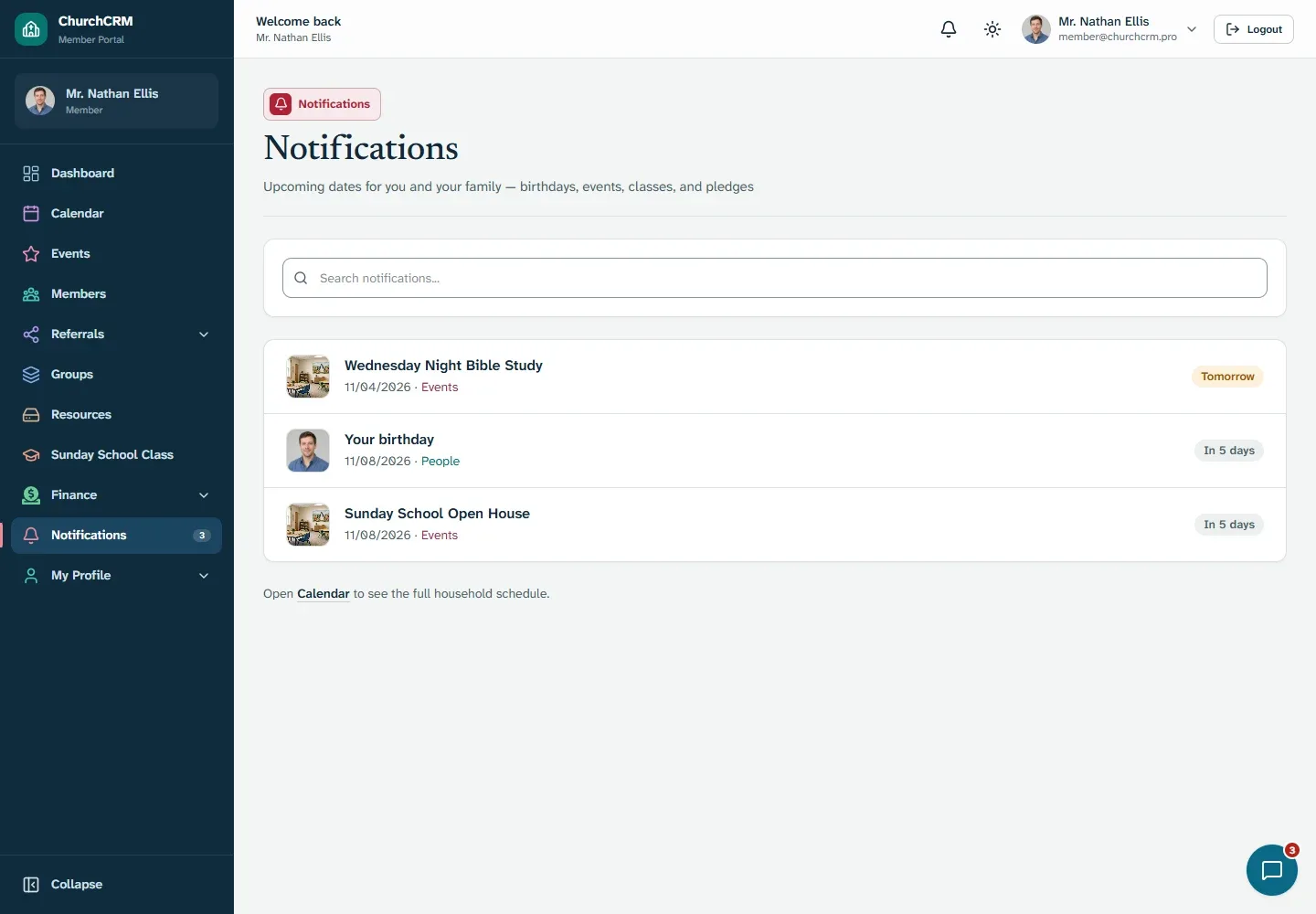
A household opens the same kinds of reminders that apply to them: dates, events, and an emergency notice when staff publish one. They do not see the staff alert tools or another family’s finance dates. An emergency popup can wait until that person acknowledges it.

Church CRM Member portal screenshot: Member notifications
Member notifications

See chat and a one-to-one video call

Staff can reach a member from the same system that holds the people record.

See the member portal

Request a demo

Tell us about your congregation. We will follow up about a walkthrough or a quote.

Country code

Or write directly to info@churchcrm.pro.